ROBSON PRINT AND SHIP · VANCOUVER
Artwork Guide
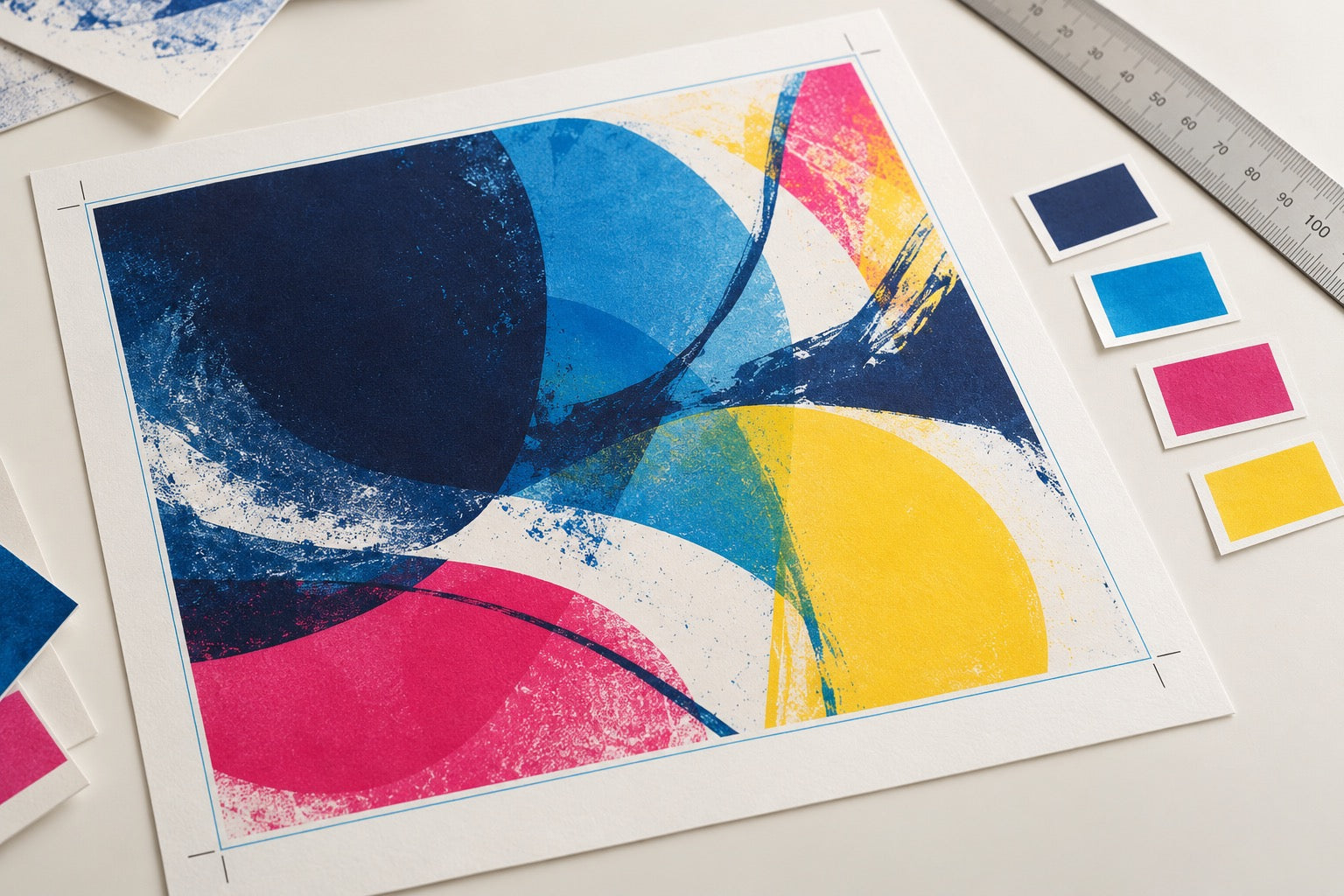
A print file works best when its size, safe area, trim, colour mode, and finish are prepared for the product you selected. Robson Print and Ship needs to...
Ask the print team ↗A print file works best when its size, safe area, trim, colour mode, and finish are prepared for the product you selected. Robson Print and Ship needs to confirm the exact specifications for your job before you create a final production file.
Start with the Right Product Details
- Choose the print product and the intended finished size.
- Ask the print team for its current template, bleed, trim, safe-area, stock, and colour requirements.
- Keep important text and logos inside the safe area and include bleed only when the shop’s template calls for it.
- Supply at least 200 × 200 DPI in both directions at the selected finished print size; 300 × 300 DPI is recommended. Check small type and fine lines at actual size.
- Review every side/page and make sure linked images and fonts are included in the final export.
Raster Images and Vector PDFs
Raster images are made of pixels: iPhone photos, PNG, JPEG, WebP, HEIC and HEIF. At the recommended 300 DPI, a 3.5 × 2 inch business card needs 1050 × 600 original pixels; the 200 DPI minimum needs 700 × 400 pixels. Enlarging artwork requires more source pixels. Changing a DPI label or resampling cannot add missing detail.
Every raster image must meet 200 × 200 DPI at the selected print size; 300 × 300 DPI is recommended. This also applies to every embedded image on every PDF page. Low or unverified resolution requires a higher-resolution file, a smaller print size, or the offered upscaling service and acknowledgement before proceeding. Vector-only PDFs retain their scalable vector artwork.
Files and CMYK Production
Upload supported PDFs or raster originals up to 128 MB per file. Supported source packages need a final print PDF. For a two-sided order, upload Front and Back separately. Booklets and catalogues also need the complete interior print PDF. Accepted artwork is converted to a CMYK production PDF with an embedded colour profile; conversion retains native image detail without downsampling.
Each configured print item has one merged CMYK production PDF, with its artwork sides and pages in order. Original uploads and supporting files are retained separately in the artwork package. Print from the merged production PDF.
What the Mockup Tells You
The on-screen preview helps check artwork placement and approximate scale. It is not a colour proof, resolution certification, trim guarantee, or production approval. Colours can look different across screens and print processes. A proof or formal artwork approval step is available only if Robson confirms that workflow for the order.
Only upload artwork that you own or are authorized to print. Avoid sending sensitive or confidential files until the shop confirms how order files are accessed and retained.
Need a size template or file review? Ask for a quote before final export.